Add and assign drivers
Open Drivers from the fleet menu.
This guide explains procedures and regulations in Albania. For another country, independently check the requirements of its authorities.
How it works
1. Add and assign drivers
Open Drivers from the fleet menu.
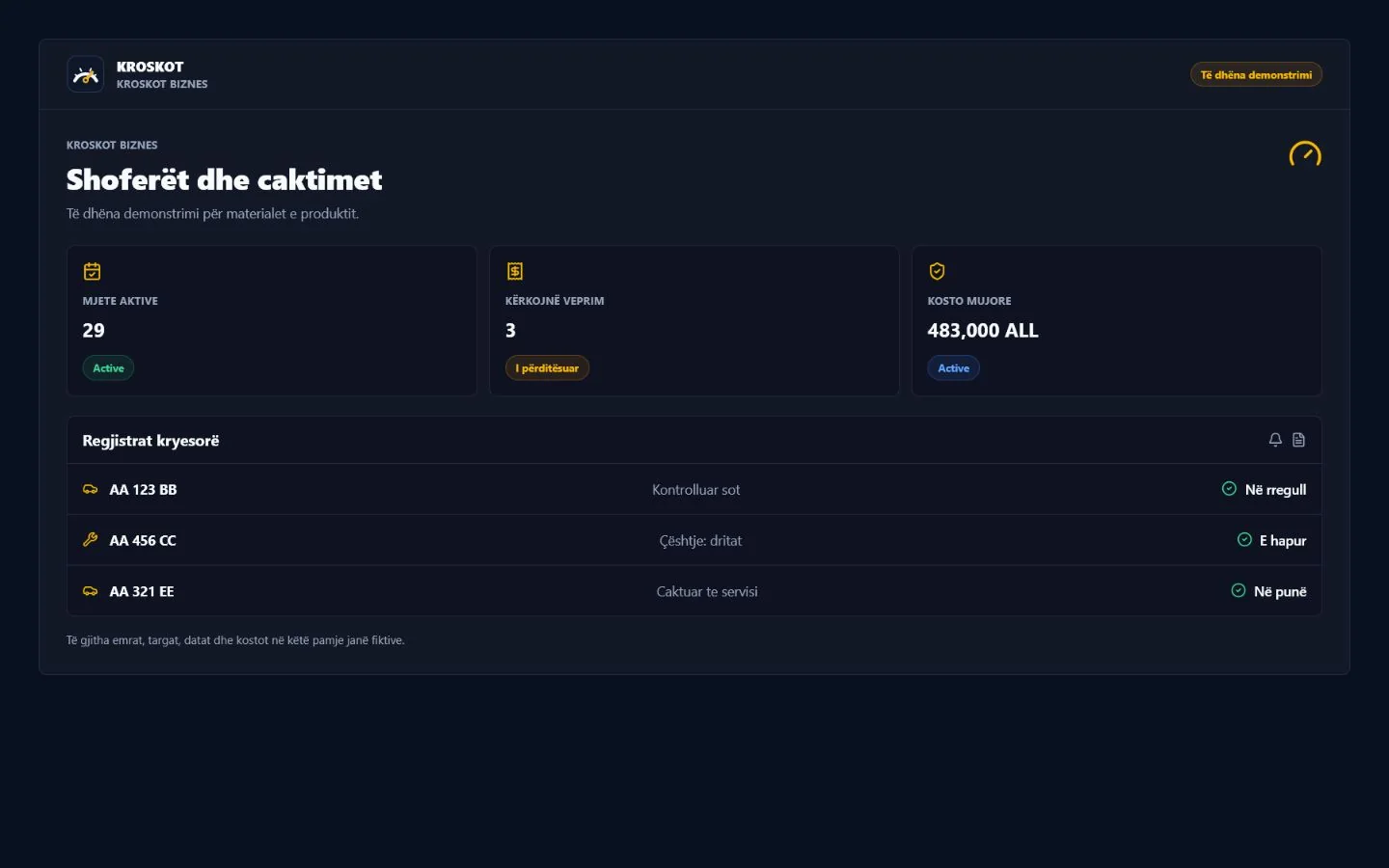
2. Add and assign drivers
Create the driver record using only the operational information you need.
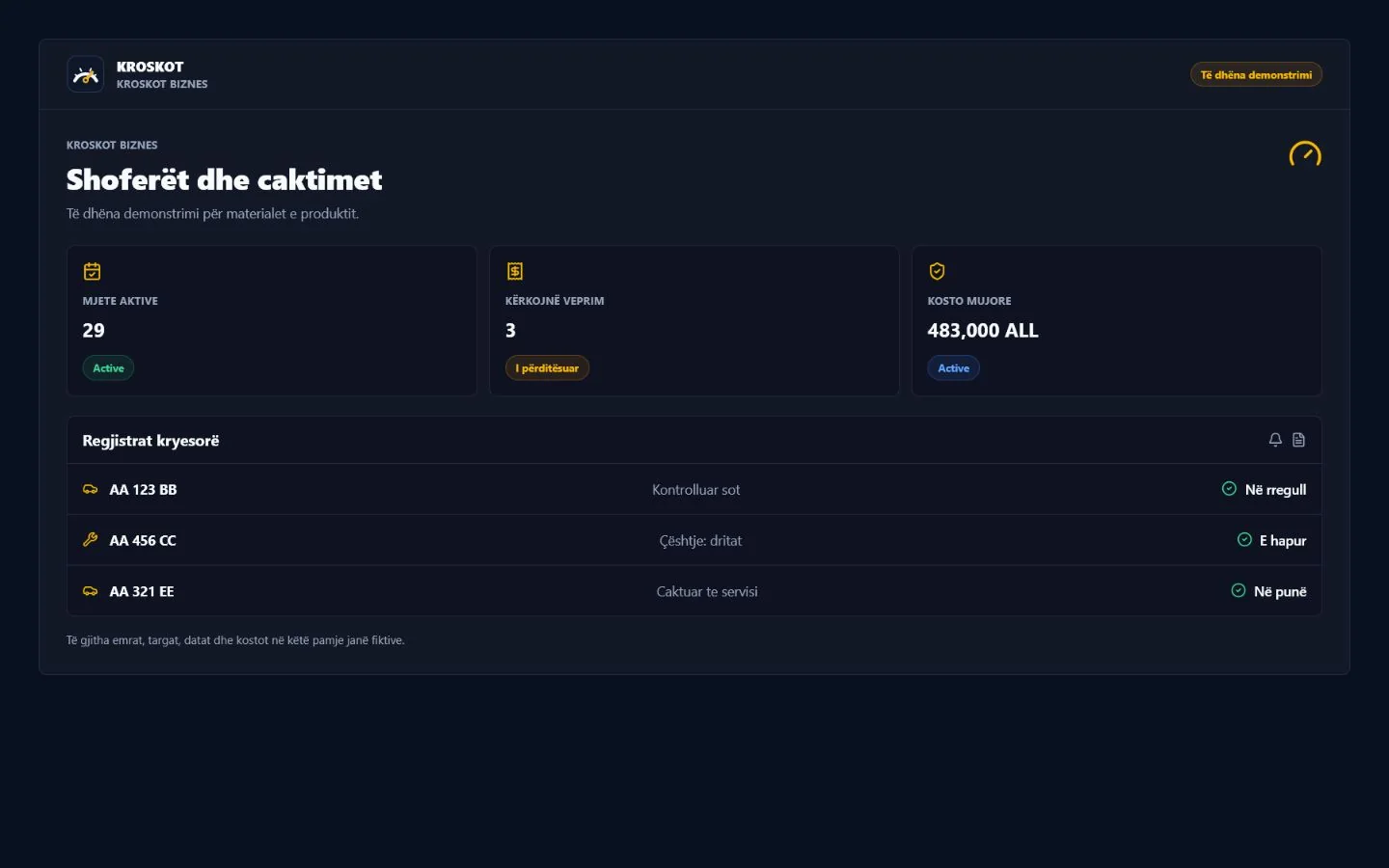
3. Add and assign drivers
Assign the correct vehicle and review its current assignment before saving.
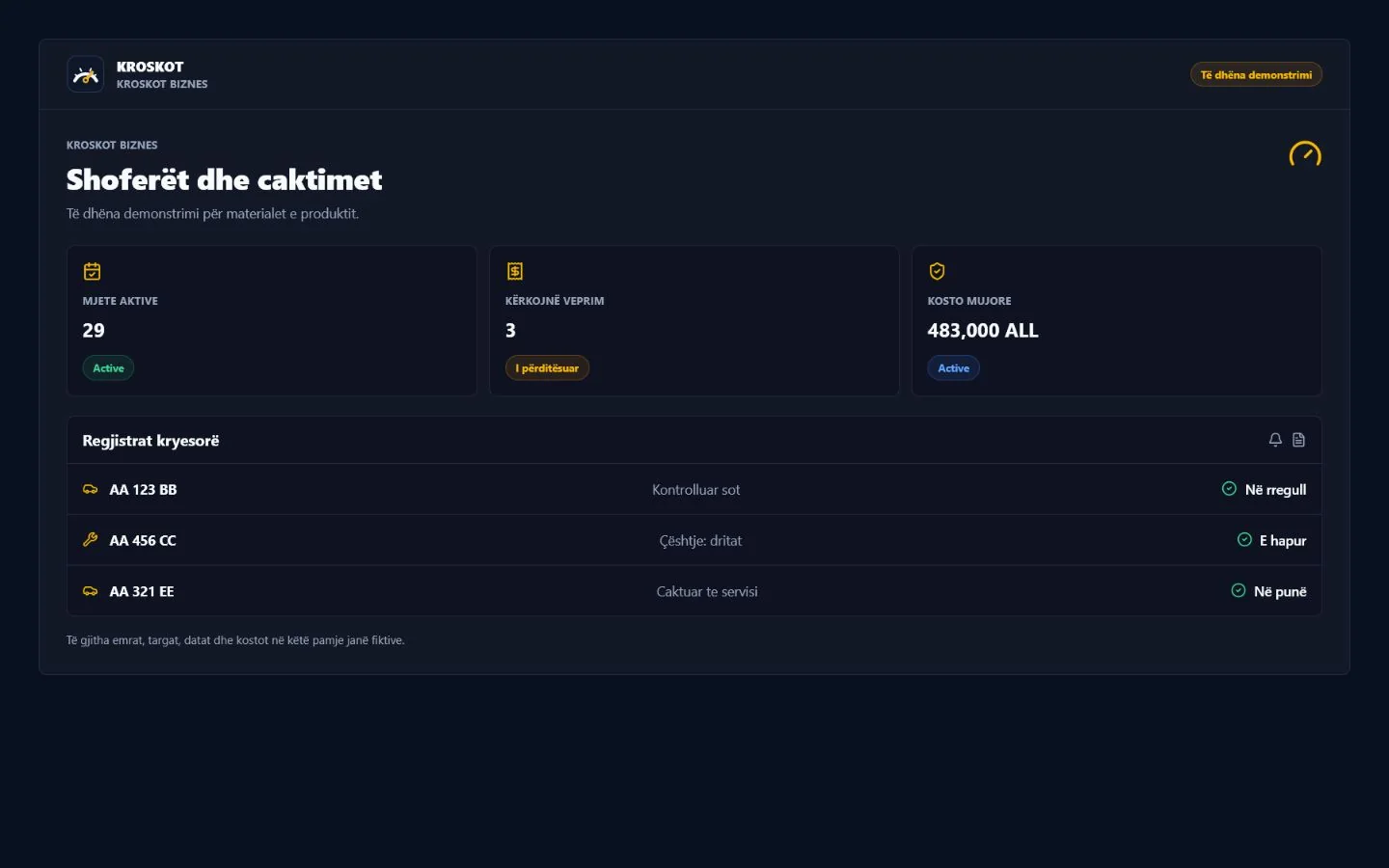
Core features are available during public beta. Future plans are collecting interest; the interest form does not activate a payment or subscription.
KROSKOT is under active development. Data protection, retention, backups and uninterrupted access are not guaranteed yet. Do not store sensitive, urgent or irreplaceable information, and keep your originals.
Create your fleetSources and editorial method