Create your account and install KROSKOT
Choose personal or business signup. Enter an email you can access and a password, or use Google.
This guide explains procedures and regulations in Albania. For another country, independently check the requirements of its authorities.
How it works
1. Create your account and install KROSKOT
Choose personal or business signup. Enter an email you can access and a password, or use Google.
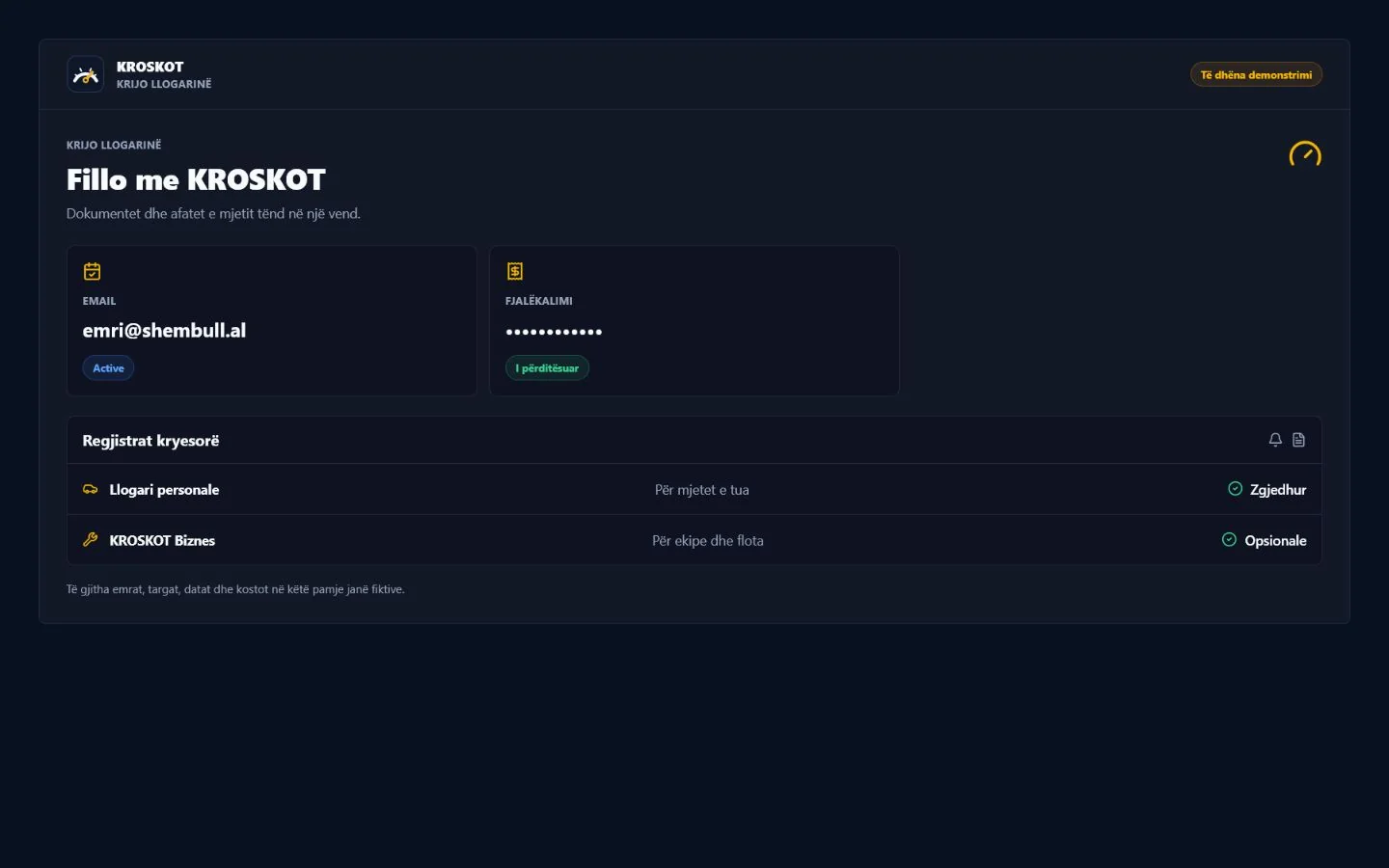
2. Create your account and install KROSKOT
Open the verification email and follow its link. Return to KROSKOT and continue setup.
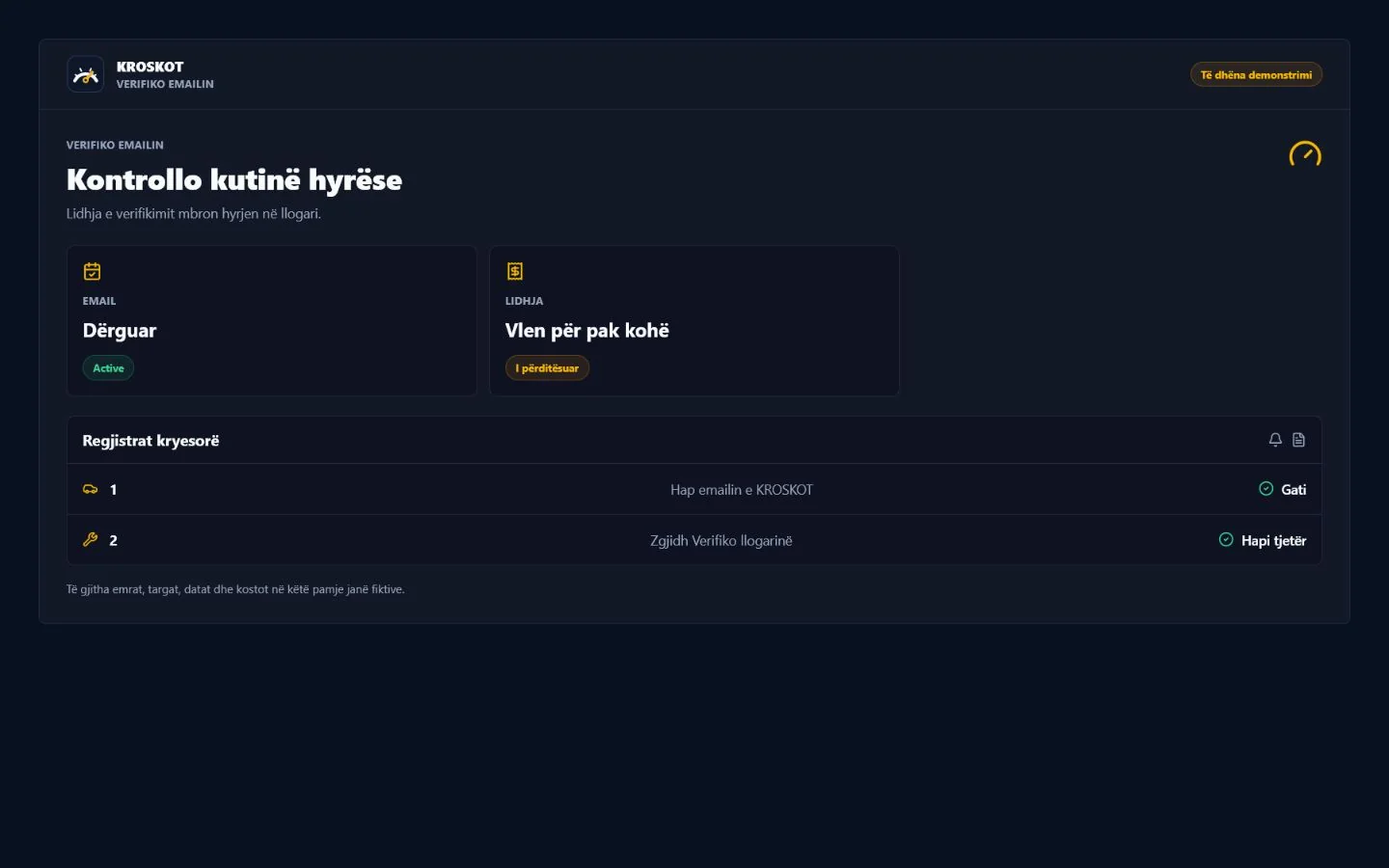
3. Create your account and install KROSKOT
If your browser supports installation, use its install or Add to Home Screen action. Browser availability varies.
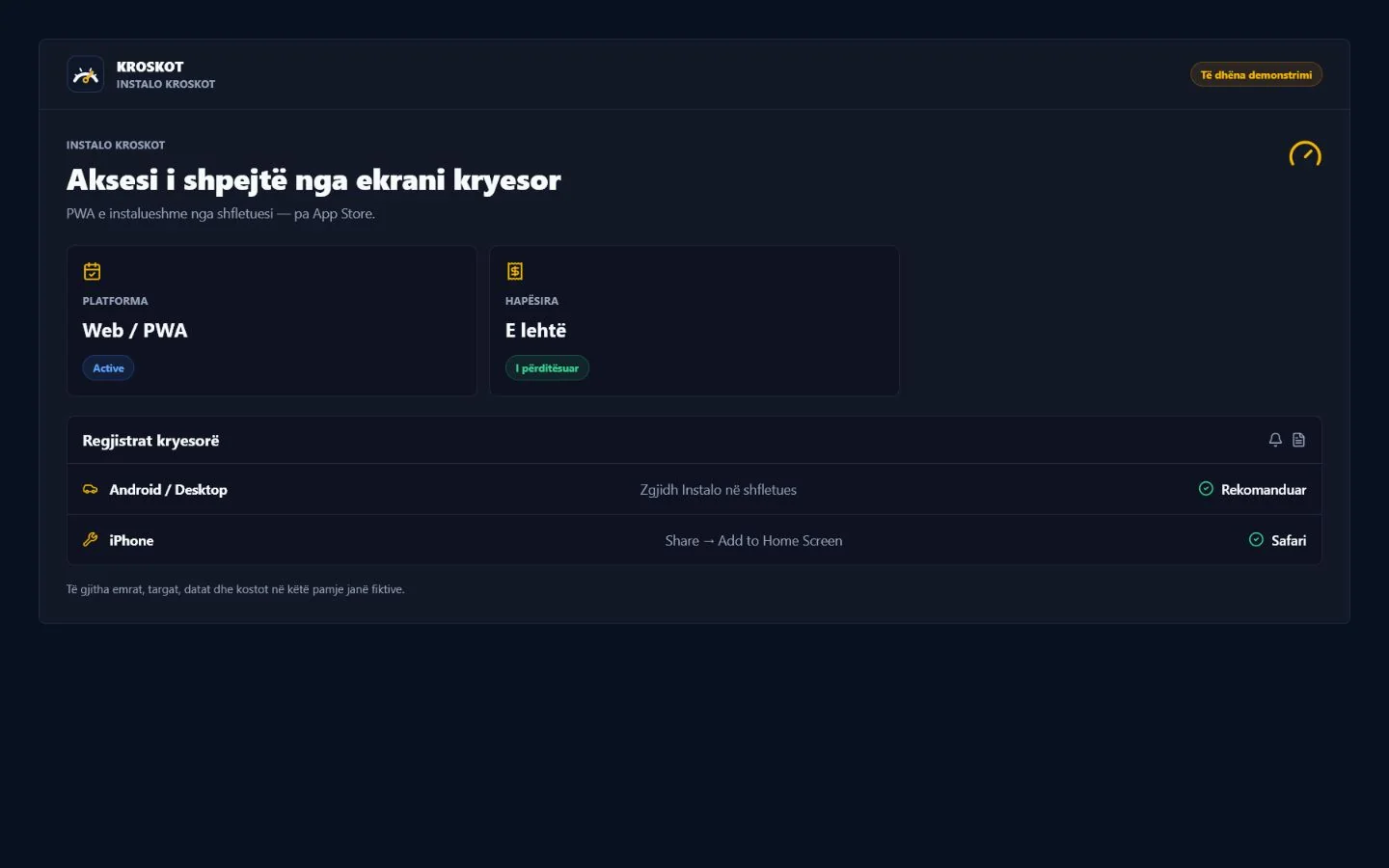
Core features are available during public beta. Future plans are collecting interest; the interest form does not activate a payment or subscription.
KROSKOT is under active development. Data protection, retention, backups and uninterrupted access are not guaranteed yet. Do not store sensitive, urgent or irreplaceable information, and keep your originals.
Start freeSources and editorial method